 Mr. Tag
Equipment passport for IT contractors
Photograph a device label and Mr. Tag fills in the serial, model and MAC. Keep every client's installed hardware in one searchable place.
How it works
From device label to client record in three steps.
-
Photograph the label
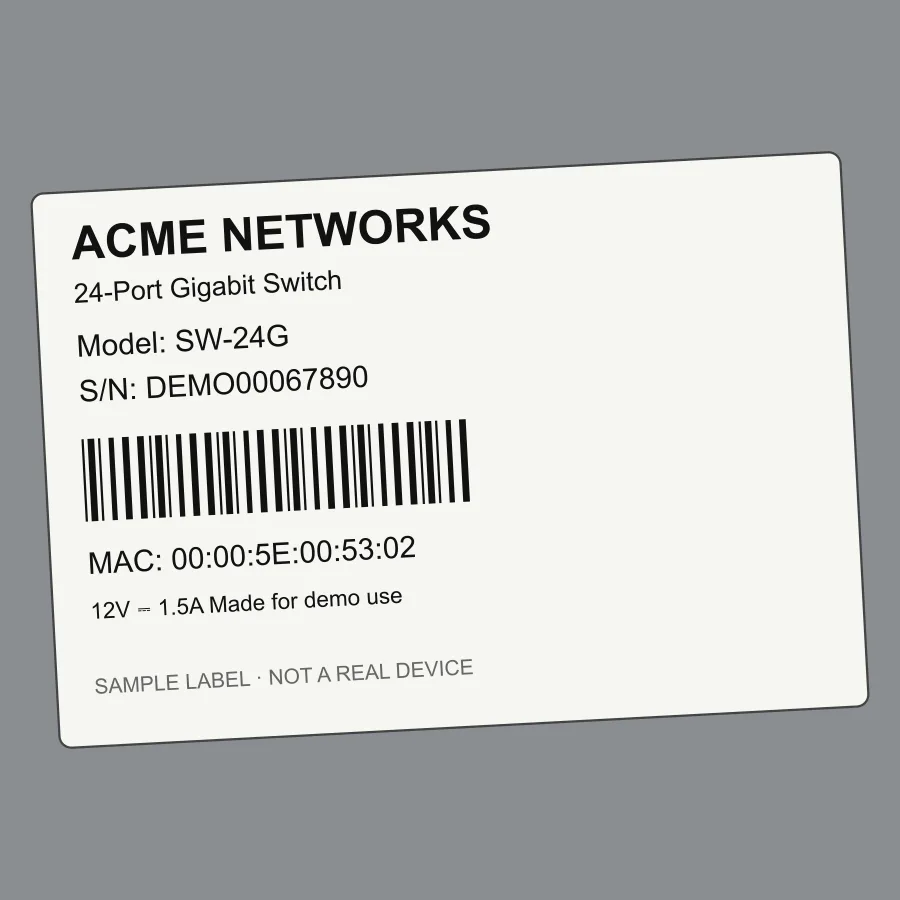
Take a photo of the device label, or pick one from your gallery.
-
Check the fields
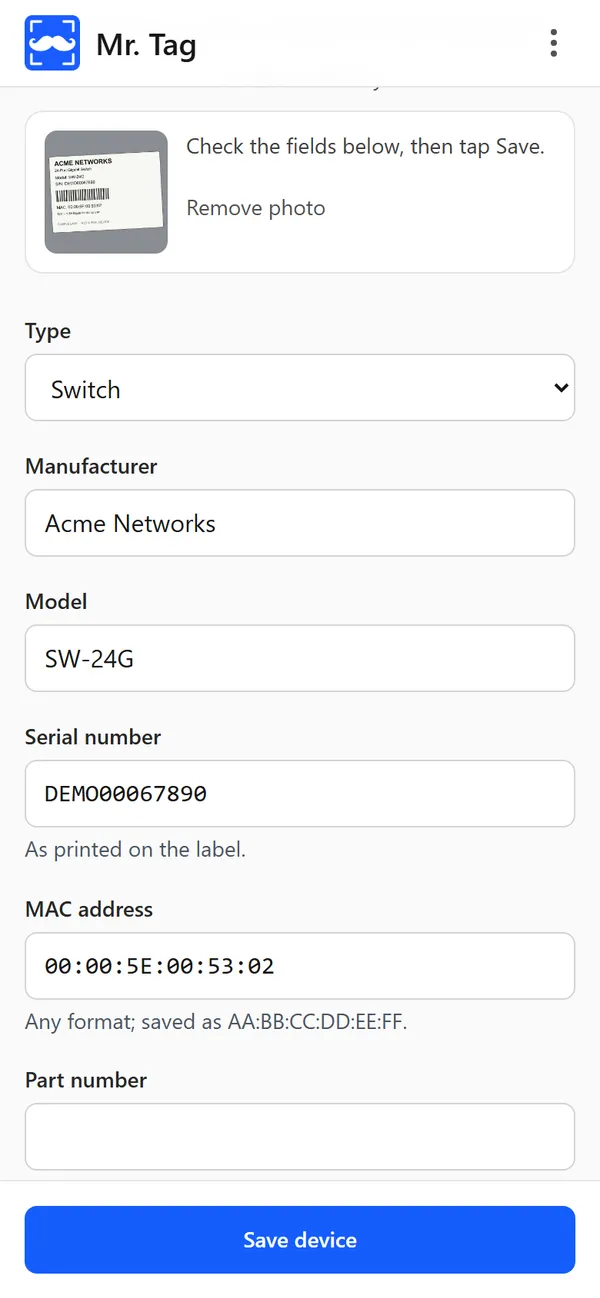
AI reads the serial, model and MAC. You check them and fix anything it got wrong.
-
Save to the client
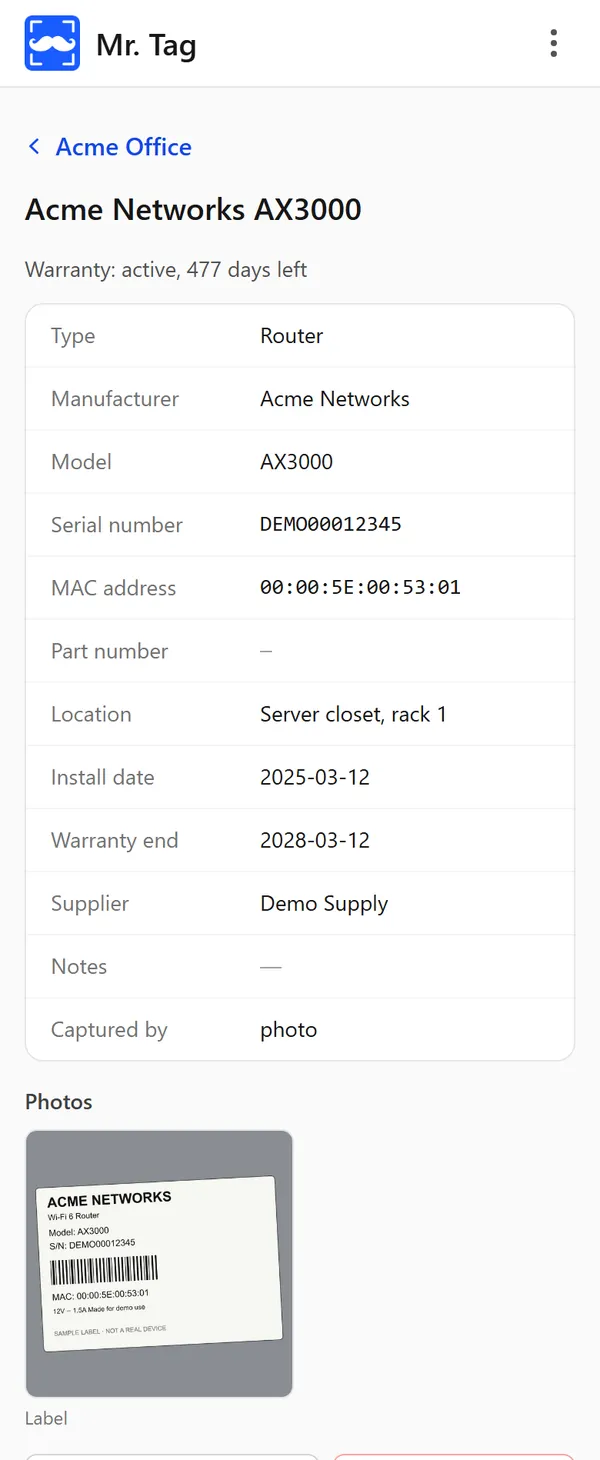
The device is stored under the client with its label photo and warranty dates.
Why contractors use it
- Scan the label: AI reads it, you check and save.
- Find anything by client, serial, MAC or model.
- Works on your phone: installs like an app, CSV export of your data.
See the app
Real screens from Mr. Tag, filled with demo data.
-
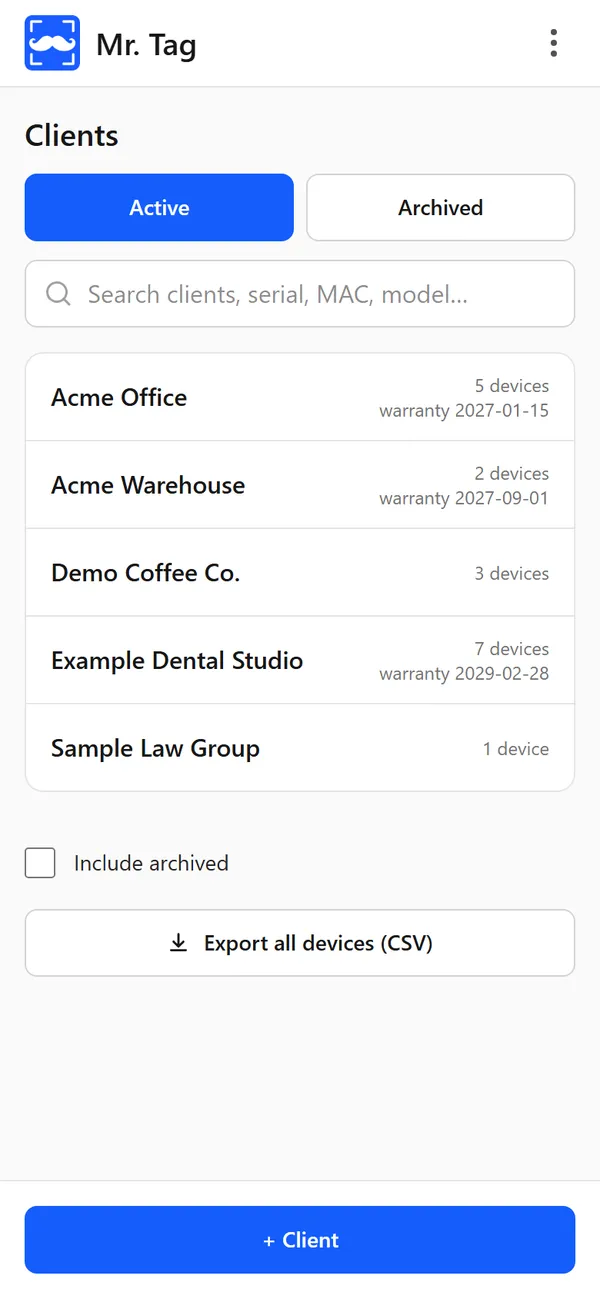
ClientsEvery client and their devices, searchable. -
DeviceDetails, warranty and the label photo. -
Scan resultFields filled in from the photo. Check, then save.
Privacy
Label photos are sent to Anthropic only for text recognition. No ads, no trackers.
Early access
Mr. Tag is in early access. Questions or feedback: support@mrtag.app
Try Mr. Tag
Open the app in your phone's browser, create an account and add your first client.